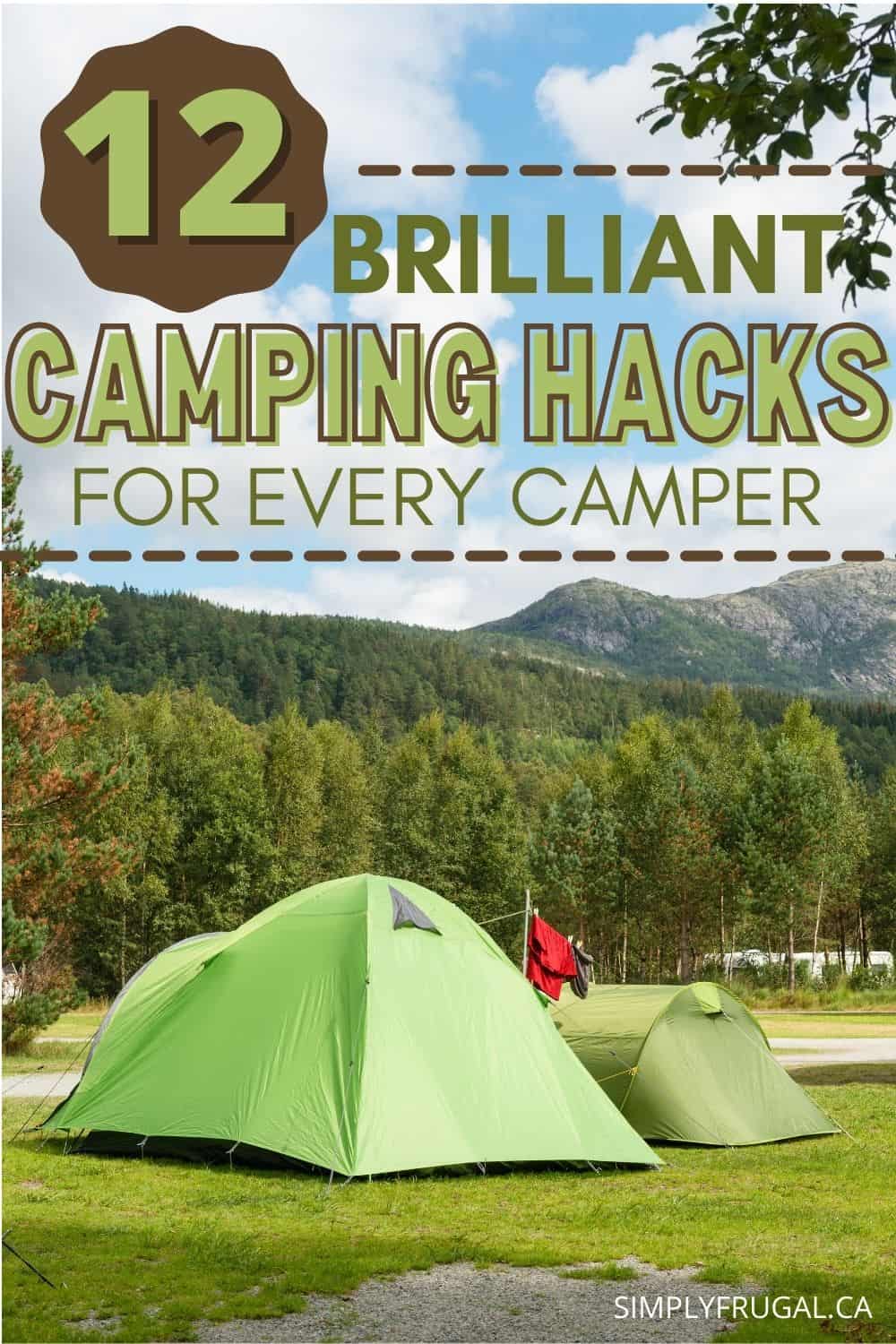
If you love to go camping, or even if you have never been camping before, here are 12 camping hacks that are definitely worth a try!
These camping hacks can make your camping experience an easier one, and even help you to be a little more comfortable while you are out enjoying the beautiful outdoors.
Take a look at these 12 camping hacks for every camper and see if they will be helpful on your next camp out!
1. Pack the big plastic baggies.
Take a package of big plastic baggies on your next camping trip to see how helpful they can be. You can mix ingredients in them while cooking, you can use them to keep toilet paper dry, and you can even store wet bathing suits and other damp items in them.
2. Make your own fire starters.
One of the easiest fire starters to make is to use empty toilet paper rolls filled with dryer lint. Then all you need to do is set them on top of some kindling and light them. Your fire will take off in no time. When waiting to use your fire starters just store them in a plastic baggie as mentioned above.
3. Try some lavender.
Lavender oil when dabbed in the skin can repel bugs. You can even burn fresh lavender on your fire to keep bugs at bay. Add a drop or two to your skin lotion for all over protection that smells great.
4. Make tin foil meals.
Place some chopped carrots, potatoes, and raw hamburger on a piece of tin foil. Add a little butter and salt and pepper. Wrap the foil up around the food tightly and grill for 15-20 minutes or until cooked through. When you open it up you will have a ready to eat feast.
5. Get creative with dessert.
Try the same concept above but instead add sweets to the inside of a waffle cone. Try chocolate chips, peanuts, marshmallows, and other sweet treats. Wrap the cone in tin foil and bake on the flames for just a few minutes. When you unwrap it you will have a tasty mess!
6. Try pool inflatables.
Your basic pool inflatables can make sleeping a little more cozy. Kids especially will enjoy sleeping on pool mat as opposed to the hard floor. This is also a more budget friendly option as opposed to buying a blow up mattress.
7. Pre-make French toast at home
Make up a loaf of French toast and place it in freezer bags in the freezer. When you're ready to leave for your camping trip, pop them into your cooler. All you have to do to enjoy a delicious breakfast is heat the French toast on a stove or campfire!
8. Freeze gallon jugs or water bottles and place them in your cooler
They will keep your food cold, and you will have plenty of water to drink for later!
9. Mason jar matchbox
Keep your matches dry and ready to use at a moments notice by creating a simple DIY mason jar matchbox!
10. Store scrambled eggs in a bottle
Try this if you are only making scrambled eggs on your camping trip! Avoid the mess of cracked eggs by prepping the eggs at home and storing the egg mixture in a lidded plastic bottle. Use a permanent marker to label the bottle to show the number of eggs in hash marks.
11. Make face cloth soap holders
How smart is this idea? Make face cloth soap holders for each member of your family to make washing up a breeze! All you need is a bar of soap, a face cloth and basic sewing skills!
12. Don’t forget the microfiber cloths.
Microfiber cloths are awesome for cleaning up picnic tables, drying hair after a swim, and even for washing dishes. They can literally do any job and wear well, even in the rugged outdoors.
Are you ready to give these camping hacks a try? Keep these hacks in mind for your next camping trip and see how much easier they can make things for your entire family.
Do you have any tried & true camping hacks? Please share in the comments!
Ah, the great outdoors! For nature-lovers, there’s something refreshing, even rejuvenating about spending time out in it. Does breathing in the cool night air around the crackling of a campfire, while surrounded by family or friends sound like a good time to you? Perhaps gazing up at a starry night sky is something that would leave you mesmerized? If so, this may be a good indication that you are long overdue for a camping trip!
Ready to go camping?
Whether it’s your first time camping, or you’ve been going for many years now, it’s always helpful to have a list to make sure that you don’t forget something. It's not the best feeling when you discover you've forgotten something! To better assist you, here is a list of camping gear that you need on your next amazing camping trip.
Shelter
Your number one concern for your camping trip should be shelter. It's so important to have adequate shelter that’s able to hold up through windy and rainy conditions. (It often rains when our family goes camping...) These are the basic shelter supplies that will help protect you and your fellow campers from the elements:
Be sure that you bring plenty of bedding along with you so that everyone is able to stay warm and comfortable at night. This will also ensure that no one is left lying awake, feeling completely miserable, and wishing that they were at home. (The worst!)
Probably one of the best perks about camping is all the tasty food that you don’t normally get to eat. At least, that's how I feel. Food just tastes better outside! But to make all that possible, you do need to have some cooking tools and supplies on-hand. These are just a few to consider:
Paper plates (not Styrofoam because you can't burn those in the campfire.)
Lighting
Don’t be caught out in the woods during the middle of the night without something to light your path. It can be an uncomfortable feeling if you have to relieve yourself in the dark while you’re hearing all kinds of noises that surround you. (or you have to investigate a rustling sound outside the tent!)
The following are camping tools that will make your camping life a lot easier. Don’t put yourself in a situation where you’re regretting leaving one of them behind.
Each camper should consider packing the following items, especially if you’re planning on hiking or doing some other outdoor activity. As the Boy Scouts always say, “be prepared.”
The following camping gear items may have ended up in the miscellaneous category, but they’re still important ones to bring with you! Each of them provides campers with something different, whether it be comfort, sanitation, or a way to keep your food and drinks cold.
The following items are just a few of the most basic things that you use in order to stay clean and fresh. And whatever you do, don’t forget to pack the last one!
Shampoo/conditioner
Body wash/soap
Toothpaste/toothbrushes
Deodorant
Optional Personal Gear
These last items on this list are items that you may or may not need to bring with you. It’s really up to you depending on your situation and what makes sense to you.
Toilet paper
Hairbrush
Small mirror
Medications
Feminine products
Special needs products
This is an in-depth look at all the camping gear you will need for your next camping trip. Can you think of any other camping supplies that you may need that didn’t make the list?
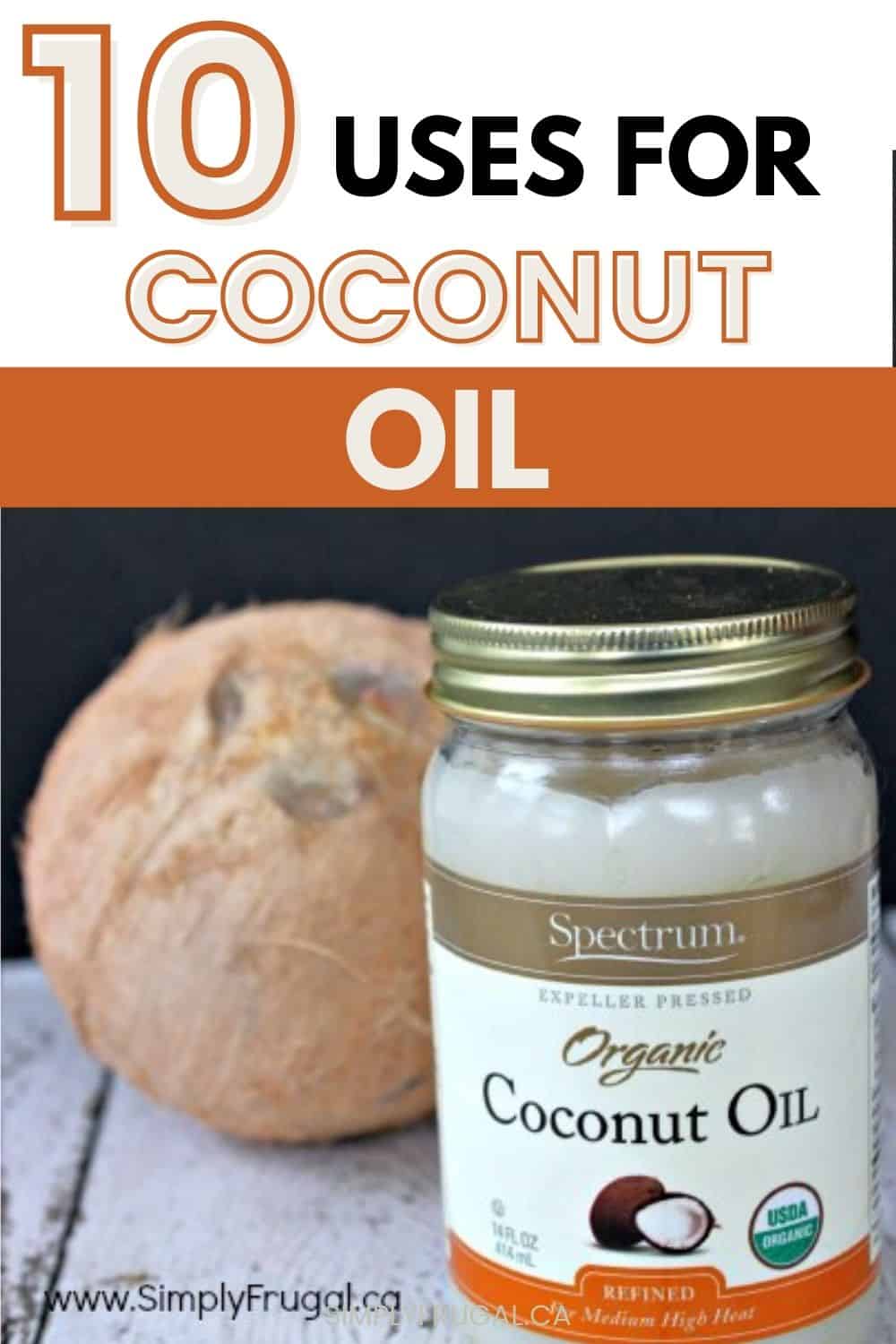
I just bought a giant tub of coconut oil from Costco so I thought I’d better add a list of 10 uses for coconut oil! To go along with the 10 uses for vinegar and baking soda, of course.
While I purchased mine at Costco, it’s also available at grocery stores and Amazon too.
I’ve used coconut oil in the past for cooking and baking, however, I’m really excited to delve into all that the product offers. There are so many unique ways to use it!
Here are 10 Uses for Coconut Oil:
#1 – Shaving Cream: Coconut oil can serve as a pretty fine substitute for shaving cream when you’re getting ready to go to work in the morning. Also, if you rubbed the electric razor a little too hard on your skin, coconut oil can also serve as a great after shave lotion.
#2 – Leather Cleaner and Protector: You have a leather coat or couch and want to condition the material. Maybe you have heard that coconut oil is a good use for leather and faux leather conditioning. You wonder if it will take out the cracks and help the leather look smooth for a long time.
Well, the good news is that coconut oil is an excellent conditioner for leather and faux leather material. Use a clean, dry cloth to buff the oil onto the leather or faux leather surface.
#3 – Oil For Wood Bowls and Boards: If one doesn’t maintain their woodware properly, the consequences can be rather irritating. Some pretty serious stains can settle in, and smells can linger for a long time.
Coconut oil can serve as a great way to get those tough stains and smells out of your favorite wood bowl and off your favorite cutting board. Just use it as you would any other wood treating oil; a fine, thorough rub into the wood and your woodware is fresh once again.
#4 – Makeup Remover: Coconut oil is pretty much great for anything, so of course it makes a good makeup remover! Simply warm about a teaspoon of coconut oil between your fingers, then massage onto your face to dissolve makeup. Just be sure to be gentle while you’re trying to remove that mascara.
#5 – Impromptu Neosporin: Little accidents happen a lot around the house in this day and age.
Thankfully, coconut oil can keep those minor scrapes from developing into worse things, like infections. Just dab a little of it over any cut, scrape, or scratch and put a Band-Aid on top of the injury. An added bonus is that it smells a lot better than anything you could pick up at the drugstore.
#6 – Mouthwash: Lets face it, Listerine doesn’t really taste all that great. But, what if you had something that generally doesn’t taste terrible, what if you had something that might actually taste pretty GOOD while your swishing it around in your mouth, getting all the gunk and goo cleaned out?
Coconut oil my friend; just toss it around in your mouth for a good 10-15 minutes in the morning to clean your mouth up a bit. When all is said and done, just rinse the leftovers out with water and spit. (This method is also called oil pulling.)
#7 – Deodorant: Now, here’s something really unique you’d never expect out of coconut oil; it can also be used as deodorant! Who would’ve thought, huh?!
In all seriousness, though, coconut oil is an extremely effective tool that can keep your kid’s armpits sweet-smelling, and if used in conjunction with baking soda, it can be even more effective. Just massage it in and things will smell a lot less like a gym locker room on a bad Tuesday.
#8 – Moisturizer: Some of us don’t want to pay the high prices for the expensive moisturizers. And, luckily, most people like the smell of coconut, the mere scent of which invokes images of Hawaiian beaches and Caribbean shores.
Thankfully for you, coconut oil is a nice, natural moisturizer that you can use on anything from dry elbows to chapped lips!
#9 – Energy Supplement: Energy drinks lift us up, but they eventually bring us down even lower than when we started. Sometimes a real pick me up is needed to get us through our busy lives.
This is where our coconut oil friend comes into play. Coconut oil has been proven to give men and women alike nice bursts of energy when things are feeling pretty darn tiring. So, when that heart-attack inducing (It’s been proven by science, can’t argue with that) energy drink starts eyeing you from across the desk, remember to try and slip yourself a small bit of coconut oil and see how that works out.
#10 – Athlete’s Foot Combatant: Coconut oil also works well at keeping Athlete’s Foot away. A quick massage of the stuff on your foot and you’ll be good for a while.
What do you think of those uses for Coconut Oil? How do you like to use Coconut oil?
How to Live Below Your Means to Achieve Your Financial Goals
The concept of living below your means sounds easy enough. In reality, it can actually be quite difficult! Especially with the rising cost of living.
A quick definition: To live below your means, you must not spend more money than you earn.
But maybe you are struggling to make ends meet.
Never mind saving money each month.
That doesn't stop you from having financial goals though. They're still at the forefront of your mind. You just don't know how to achieve them. That can feel pretty discouraging.
Today, I'm here to add hope to your financial future. Your current situation doesn't have to be your situation forever. Life situations always change!
Before we get started on how you can achieve your financial goals, I've got a couple important things to touch on. It can be beneficial to pin point exactly why you are struggling.
There are various reasons why you may be having troubles living below your means:
You were never taught how to manage money (It's never too late to learn!)
Lifestyle inflation (Your expenses increase along with any increase to your income)
Everyday expenses are rising (inflation)
You want instant gratification (training yourself to have to cash first before a purchase can feel just as satisfying.)
The truth of the matter is, most of us simply don't have enough money to purchase everything we want, as soon as we want it. Self-discipline and planning are key in creating good spending habits.
If you want to achieve your financial goals, living below your means will help you immensely. Here are some strategies to help you achieve success.
1) Set realistic financial goals
When you set realistic and achievable financial goals, you are more likely to stay motivated and self-disciplined. Here are some examples of realistic financial goals you can set:
I will save up $500 in my savings account in the next 12 months.
In the next 12 months, I will pay off $600 in debt.
Inthe next 12 months, I will only spend $400 on clothes and shoes.
The goals in the examples above have a time limit set on them and are specific in nature. The amounts are achievable.
The best thing to do is to focus on only 1 or 2 financial goals at a time to ensure your success.
After you set the goals, set an action plan that specifically says how you are going to accomplish those financial goals. For example, if you focus on the "I will save up $500 in my savings account in the next 12 months" goal, you can set the following specific action plans:
Cancel $10 Disney+ subscription for the next 12 months. (Savings: $120)
I will save $12.50 from each paycheck for the next 12 months. (Savings: $300)
Save $80 on clothing expenses for 1 year by buying items second hand. (Savings: $80) Total Savings: $500
Once you've set your action plan, review your goals and action plans often enough to make sure you are staying on track. Once you see the progress you are making, you may find yourself extra encouraged to keep going!
2) Create a budget.
Living below your means requires you to build self-discipline with spending. To be disciplined with money, you must be organized with your earnings and spending.
A budget is the way to track how much money is coming in and how much money is going out each week, biweekly, or monthly.
You don't need anything fancy to get started with a budget. I have a free monthly budget form you can get that will be a helpful starting point.
Or if you want to go all in with creating a budget, my $9 Budget Planner is a great, easy way to track all aspects of your finances.
A budget is not a set and forget thing though. Be diligent about checking in with your budget at least once a week to make sure you are on track with your spending.
Side note: A budget often takes away the feeling of guilt when you spend money on a wanted item because you know it can fit within the budget.
3) Practice delayed gratification.
Currently, I'm saving up for a Fitbit. Not because I need one, but because I want one. I have been selling some of our unwanted items and saving some cash I earn from Simply Frugal.
This is where self-discipline comes in handy again in regards to your spending habits. Save cash for the unnecessary, but enjoyable things you want to get.
Let's say you want to get:
A new smart watch
A new tennis racket
A new kitchen faucet
New furniture for the living room
These are not essentials, but things you want to have to make life a little better! If you are on a tight budget, it's important that you save before you buy. Don't make that purchase until you have enough saved to make the purchase. Delayed gratification can feel amazing, especially since you don't have to worry about paying off the item(s) you purchased!
These purchases can also become one of your financial goals. So set the goal with a time frame and create the action plan on how you are going to achieve your goal like I outlined in strategy number one above.
4) Put money aside for emergencies.
Without having money put aside for emergencies, and replenishing it after use, you are risking the chance of racking up some debt. In other words, you may have to borrow money in order to be able to afford the unexpected expense.
Have money put aside for emergencies by saving enough to cover things like:
Repairs on a often used appliance
Replacement of a hot water tank
Replacement of a computer
You can decide how much is right to have set aside. I suggest at least $500, but $1000 or $2000 are even better. Once you set an amount, you can start the saving process by setting your goal and action plan.
Having an emergency fund in place will help you to live within your means because you will not spend unbudgeted money when an unexpected need arises.
In conclusion, it takes consistency, self-discipline and organization to achieve your financial goals. The more you practice, the easier it will be to developstrong spending and saving habits. Living within your means will help you:
Save more
Ride the waves of inflation better
Feel less stress
Have more financial security
Be financially content
And more
The strategies in this article will help you to live within your means and achieve your financial goals.
It can be difficult keeping kids busy while you shop the aisles of the grocery store. After all, there is so much to look at and both you and your child can become easily overwhelmed.
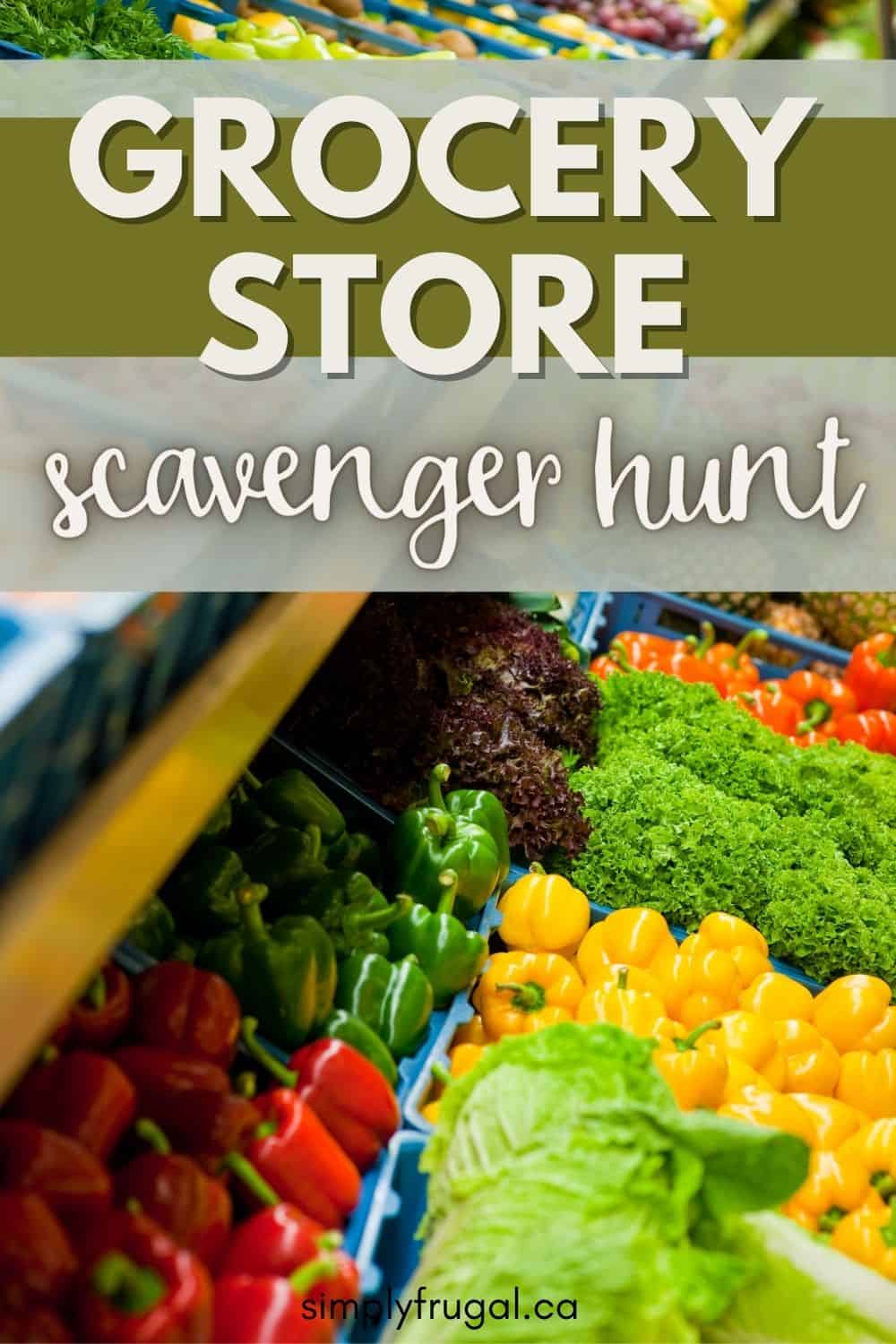
Luckily, there are ways to keep kids occupied while you shop. A grocery store scavenger hunt is a great way to keep kids busy while you check off your own shopping list.
Now, let’s look at 40 items your kids can keep an eye out for at your local grocery store. How many of these items do you think they can spot and check off?
You can print off this list for easy reference and checking. Or, print the items off, cut them into strips, and let the kids pull a strip out of an envelope as you shop. They can then look for each item as they pull it. There's no need to look for all 40 items each time you shop.
Grocery Store Scavenger Hunt
1. A shopping basket 2. A bunch of bananas 3. Produce bags and ties 4. A produce scale 5. Fresh herbs 6. Roses in a color other than red 7. Jelly in a flavor other than strawberry or grape 8. Sprinkle donuts 9. Someone shopping with a list 10. A squeaky shopping cart 11. A delivery man 12. Strawberry milk 13. Cereal with a cartoon character on the box 14. Potato chips in a red bag 15. A box of jello with fruit on it 16. A meat butcher 17. A bakery employee 18. Paper coupons 19. Cheese that isn’t orange 20. A bottle of root beer 21. A patron shopping with a baby 22. Baby diapers with a baby on the package 23. Sale signs 24. Produce sprinklers 25. Price tags 26. Clearance stickers 27. Rentable Rug cleaners 28. Bulk candy bins 29. Dog treats with a dog on the package 30. Fresh fish 31. Balloons 32. Nail polish 33. A fruit that is green. 34. A vegetable that is red. 35. Any kind of pie 36. Magazines 37. A receipt 38. Shopping bags 39. Cashiers 40. Baggers
Are you ready to get hunting? Print off the Grocery store scavenger hunt printable and start searching for these 40 items in your grocery store. See how much fun the kids can have hunting these items down!
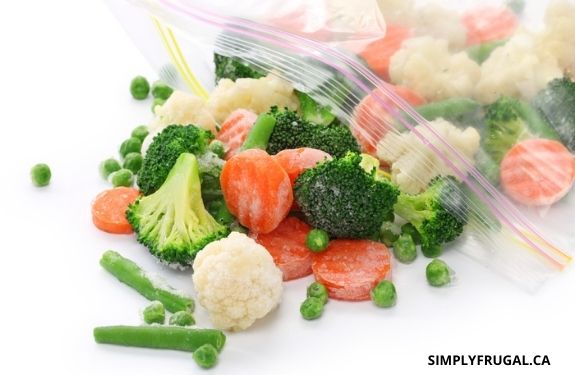
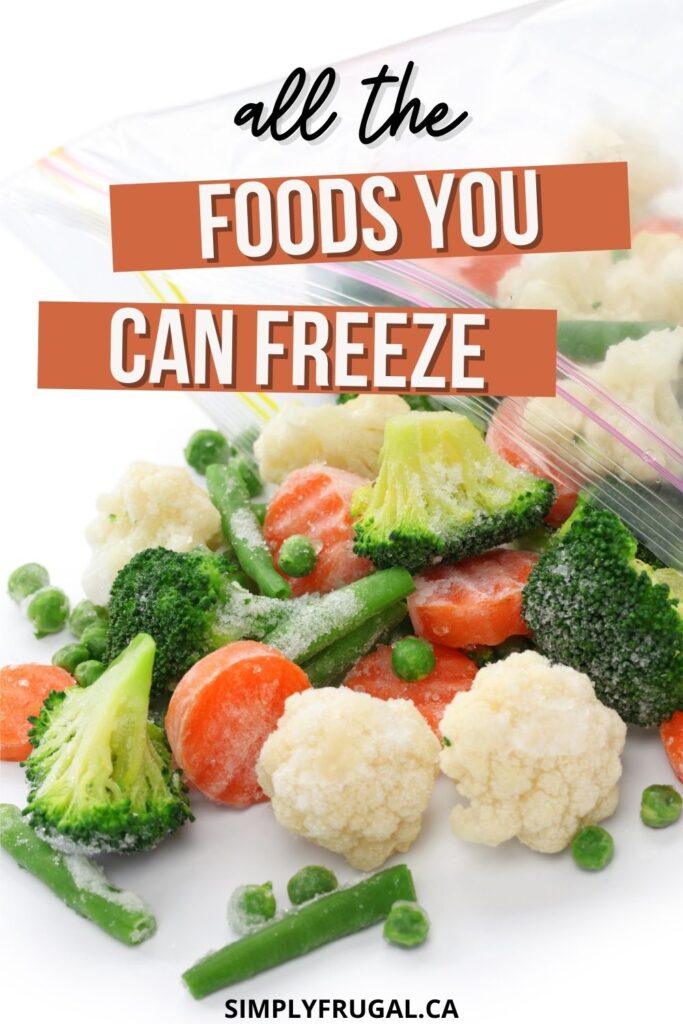
Have you ever wondered if you can freeze particular foods? Like, can you freeze cheese? Can you freeze milk? What about spinach? If you've ever asked yourself or googled these questions, this post is for you! It's a huge list of all the foods you can freeze.
With the cost of groceries these days, it is so important to use everything you bought. Being wasteful and throwing out food that has gone bad, is not ideal, obviously.
That's why I love my freezer! I use my freezer often to freeze items that are about to go bad. Or to stock up when my store has a crazy good deal on something that my family loves.
How to use your freezer to save money:
Buy in bulk: As I mentioned above, I like to stock up on good deals. I buy as much as my budget will allow. But sometimes, I know I won't be able to use all of it before it goes bad. So into the freezer it goes for another day!
Use it for freezer meals: This is also a time saver! I like to double recipes so I can freeze the second meal. I often do this with pasta sauce, pulled pork/chicken and taco meat as well.
Store convenience meals: Not the most healthful option, but I like to always have frozen pizzas, chicken nuggets, frozen appetizers and premade meals in the freezer. This has saved us so many times from getting expensive take out!
As you can see, there are many benefits to owning a freezer.
But let's get on with the good part. Which foods can you freeze that will still taste great once they thaw? Let's take a look!
Can You Freeze Dairy?
You sure can! Dairy products are some of the foods you can freeze! But one thing to remember, is that the texture is most likely to change after being frozen. So frozen dairy products are best to be used by cooking or mixing into something else.
Cheese - Shredded or sliced cheese are best for meal prep. You can freeze a whole block of cheese, but it's hard to use once it thaws because it just crumbles. (so shredding or slicing before freezing is a smart idea!)
Butter - Butter is something that I always stock up on when it's on sale. It freezes great and ensures I always have some on hand for baking or cooking!
Yogurt - Yogurt tubes freeze well and are a different alternative to popsicles! I have found yogurt from containers work well in smoothies, not as a stand alone snack.
Cream cheese - The consistency might change on this one. Thaw it slow in the fridge or use it in casseroles that you will be putting in the freezer. I like to use it in my freezer mashed potatoes.
Sour cream - Again, the consistency would change, but it's great in casseroles like freezer mashed potatoes!
Milk - You sure can freeze milk! Freeze it right in the jug, or put it into ice cube trays or measure it into increments for your most used recipes. If you freeze it in the jug, unthaw it in the fridge and shake often.
Cream - You can freeze and unthaw cream the same way you would with milk.
Can you freeze produce?
This might be an obvious one, but there are some produce items that aren't so obvious!
Berries - Raspberries, strawberries, blueberries, blackberries and cranberries all freeze well for smoothies or for sauces.
Bananas - No matter how you freeze bananas, they are so good for smoothies and banana bread or banana muffins!
Fruit - Cherries, sliced peaches, watermelon, cantaloupe, grapes, and even sliced lemons and limes freeze well. Make sure to freeze them on a baking sheet in a single layer and then add them to a freezer bag so they don't all freeze together in a big clump!
Avocados - You can freeze ripe avocados! Freeze them whole, halved, diced, sliced and even mashed (guacamole). This is amazing because they can be so expensive!
Vegetables - Peas, onions, peppers, shredded zucchini, squash and mashed pumpkin all freeze well in freezer bags. Vegetables like asparagus, green/yellow beans, broccoli, cauliflower, brussels sprouts, corn and carrots freeze well after a little blanching.
Spinach - Since spinach can get slimy fast, it's great to know you can put some in a bag and freeze it! Now, it won't be good to use in a fresh salad, but in a smoothie, lasagna, or casserole...yum!
Can you freeze meats and poultry?
Of course, after you find a good deal in the meat department, you probably go home and freeze most of what you stocked up on, right? This is another no brainer, but with some sneaky protein sources thrown in.
Beef - I like to freeze uncooked steaks, roasts and ground beef in freezer bags. A vacuum sealer would be ideal if it's in the budget! Sometimes, I'll make up a batch up meatballs and cook them part way, then throw them in the freezer.
Chicken - Freeze chicken uncooked or cooked. Pre-cooked rotisserie chicken is also excellent for freezing after you debone and shred it up.
Pork - I usually buy pork in a club size pack so by freezing it into smaller portions, I can get a few meals out of one pack.
Lunch Meat - I'm not sure how the deli meat from the deli counter would freeze, but I know that the lunch meat that you purchase in the packages freeze well. Pull them out a day or two before you need them so they can thaw in the fridge.
Hot dogs/smokies/sausage - I almost always throw these in the freezer right away because they aren't eaten on a regular basis here. I take them out on an as needed basis.
Eggs - Yes! You can freeze eggs! I have frozen scrambled eggs in breakfast sandwiches, breakfast burritos and egg muffins with success.
Fish/seafood - This is another thing that a vacuum sealer would be great for!
Cooked beans/lentils - If you make a big batch, freezing extras can be such a time saver for another day!
Be sure to always freeze in meal-sized portions so you don't thaw too much and have to worry about using it up before it goes bad!
Can you freeze baked goods?
I'm a huge fan of freezing baked goods! Nothing like pulling out some cookies to serve impromptu guests!
Cookies - After baking, allow them to cool completely, then place them in a freezer bag to pull out as needed!
Muffins/cupcakes - Again, once cooled, I like to wrap these individually in plastic wrap, them add them to a freezer bag.
Granola bars - This reminded me that I used to make these delicious homemade granola bars that I would take to work! I would cut them up, then wrap them individually in plastic wrap, put them in a freezer bag and pull one out every day.
Bread - Either store bought or homemade, throw them in the freezer. For homemade bread, I would wrap really well in tin foil then place in a freezer bag.
Tortillas - I buy mini tortillas from Superstore and they go straight into the freezer for taco night. You could also prep from burritos or quesadillas for lunches.
Bagels - Because we like bagels but don't eat them often, I keep a bag in the freezer so we can pull one out to toast.
Pancakes/waffles/French toast - I always make these from scratch and the leftovers always go in a freezer bag so I can pull them out and heat them up in the toaster for easy breakfasts.
Other things you can freeze
Flours - I often freeze flours especially when I buy a big bag on sale. When we were exploring food sensitivities with one of my daughters, I always put the specialty flours in the freezer because they can be expensive and I didn't want them to spoil!
Nuts - whole or chopped, nuts freeze well.
Poppy seeds - I use poppy seeds for one recipe, Raspberry Poppyseed Dressing, so when I buy a bag, it goes into the freezer.
Flax/chia seeds - Freeze these right in their bag. Once opened, add the original bag to a freezer bag for added protection.
Herbs - If you have a garden, then I'm sure you have an abundance of herbs. Freezing them can be a great way to preserve them.
Soups - Freeze soups in mason jars or freezer bags. Soups with potatoes will most likely change consistency. (the potatoes get grainy.)
Sauces - Like soups, freeze sauces in mason jars or freezer bags.